 AI-generated
 AI-generated
Make a clip
Make two vertical clips for my café: a croissant fresh from the oven, and a latte being poured.
Connect Brilly once. Then ask for clips, images and edits in the chat you already use. They play right in the conversation and land in your Brilly account, paid from your plan's credits.
make_cliplatte pour, 9:16doneBrillymake_clipcroissant, 9:16doneBrillyget_jobboth clipsreadyBrillyAI-generatedOpen in BrillyAI-generatedOpen in BrillyHere they are. Both are also in My creations on Brilly, and the download links work for 24 hours.Your assistant picks the right Brilly tool, tells you the price, and brings back the result. Some things to ask for:
AI-generatedAI-generatedMake two vertical clips for my café: a croissant fresh from the oven, and a latte being poured.
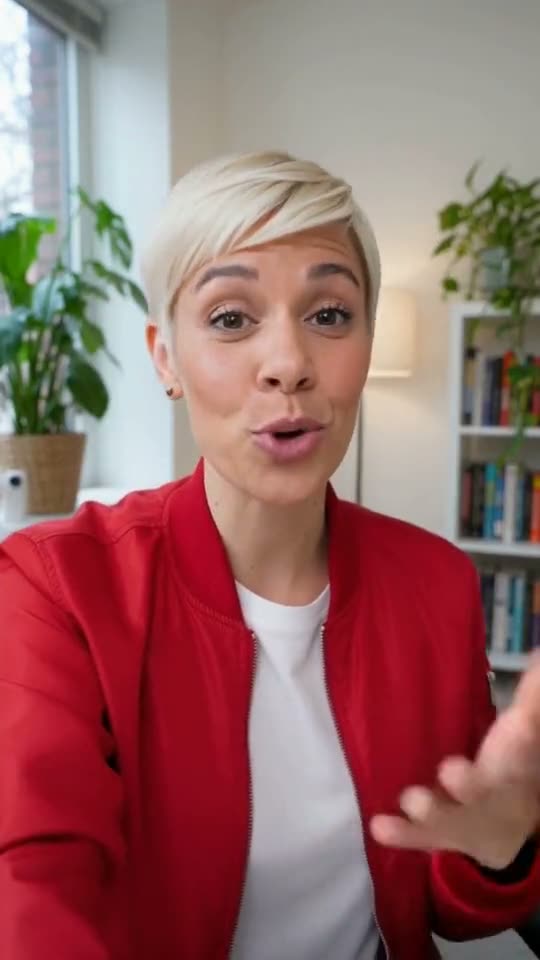 AI-generated
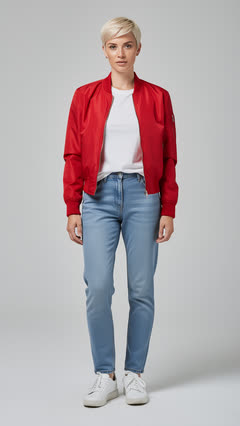 Photo
Put the woman in this photo into my clip, in my place.
 AI-generated
 Photo
Move this clip to a rainy street at night, like the one in this photo.
 AI-generated
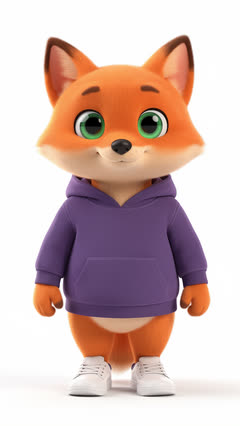 Mascot
Make my fox mascot dance the moves in this video.
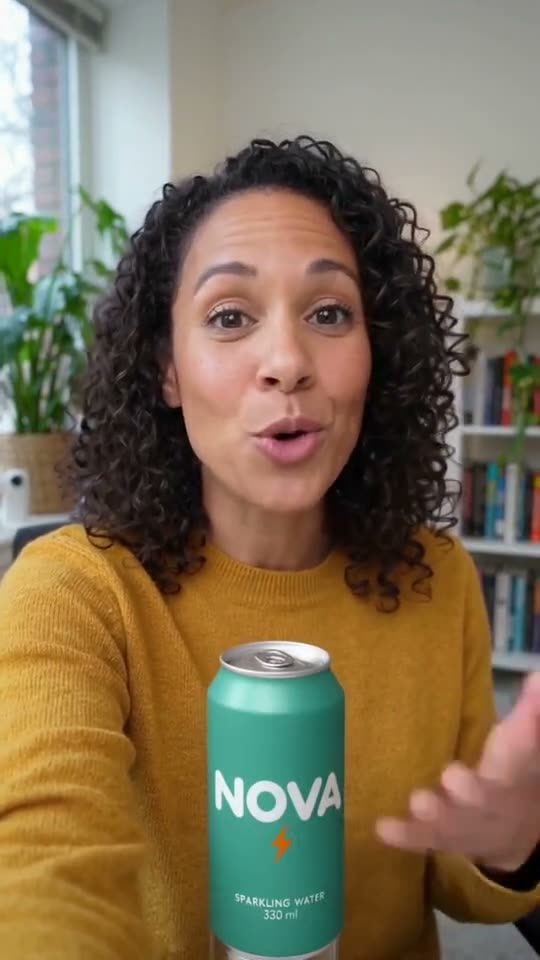 AI-generated
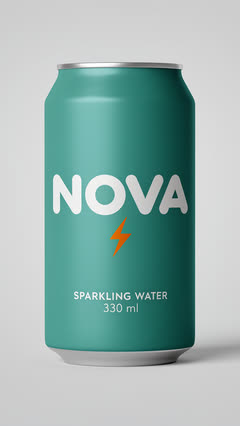 Product
Put my NOVA can in the shot, in front of her.
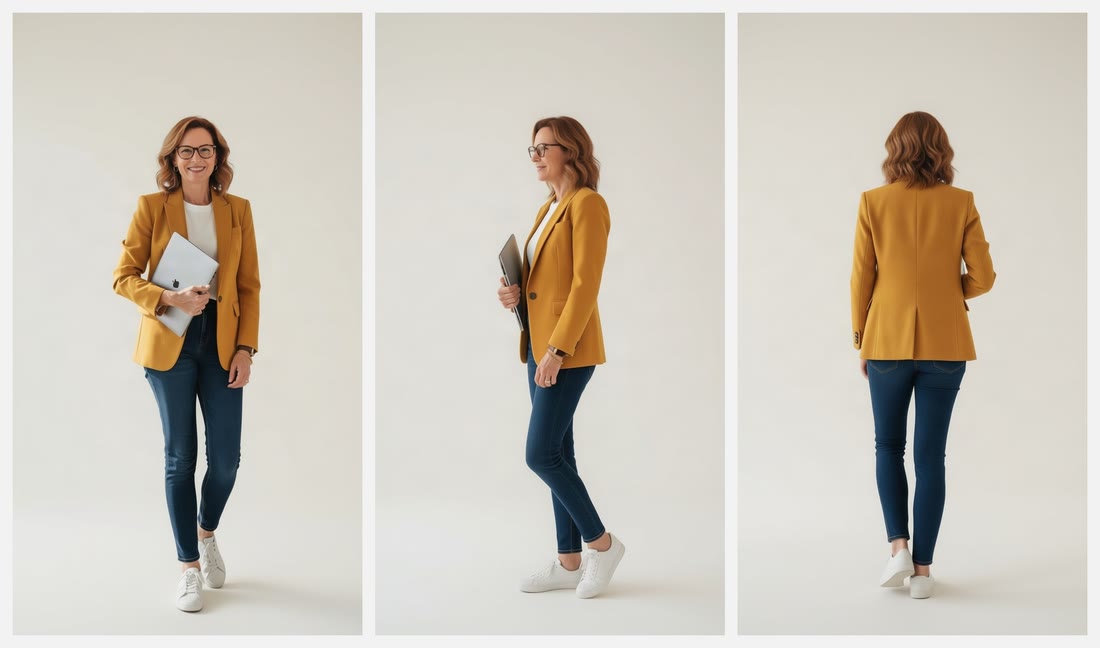 AI-generated
 From one photo
Make a character sheet of the person in this photo: front, side and back.
Also in your chat: images from a description (1 credit, or 3 at the best quality), 9-shot grids of one subject, and Scene, which puts your own photos of a person, a product and a place into one shot.
Ask your assistant for five hooks for your product, and pick the one you like.
It sends the hook to Brilly, tells you the price, and waits for the clip.
Each result comes with a link that works for 24 hours, so your assistant can pass it to the other tools you've connected.
Brilly's player shows in Claude on the web and in the desktop app. The phone app shows a link to each result instead.
The screen Brilly shows when you connect.
Your assistant checks the price before it makes anything. It can't buy credits, see your payment details or change your plan.
Pick 25, 100, 250 or 500 credits a day when you connect. Past the limit, it has to ask you.
Choose "Ask me each time", and your assistant hands you a link to approve each one on Brilly.
In Account → Connections. Everything it made stays in My creations.
Prices depend on the model, length and quality. Your assistant tells you the price before it makes anything.
Claude on the web and in the desktop app, ChatGPT, and any app that takes MCP connectors, such as Claude Code. On phones, your assistant shows a link to each result instead of the player.
No. Brilly in your chat uses your Brilly plan's credits, the same as Studio. Your Claude or ChatGPT plan is separate.
No. It can only use your plan's credits, up to the daily limit you set for it, and you can make it ask you before every request. It can't buy credits or change your plan.
Only what your assistant sends to Brilly: the description of what to make, and the photos or clips you give it for an edit. Not the rest of your conversation.
Into the chat, and into My creations on brilly.com. Each result also has a download link that works for 24 hours. Ask your assistant for a fresh one any time.