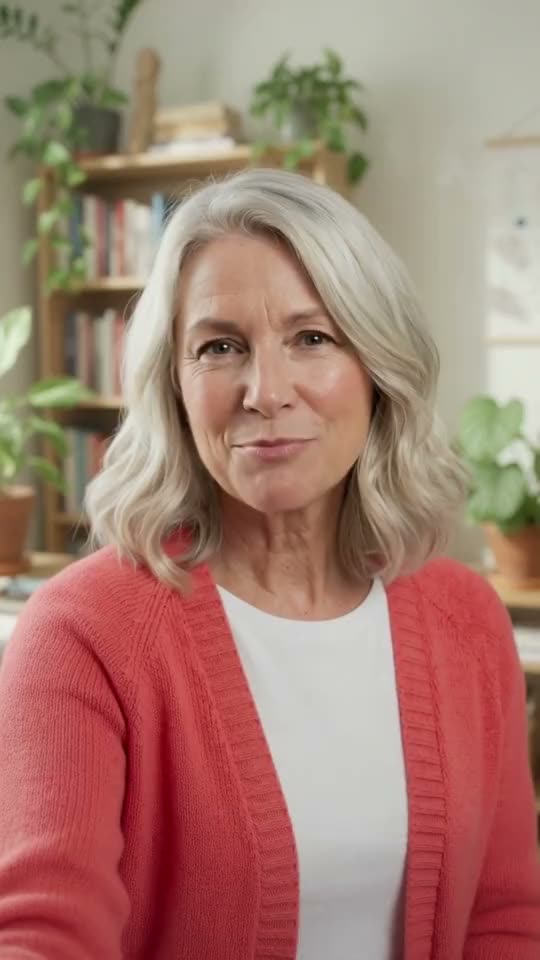
 AfterAI-generated
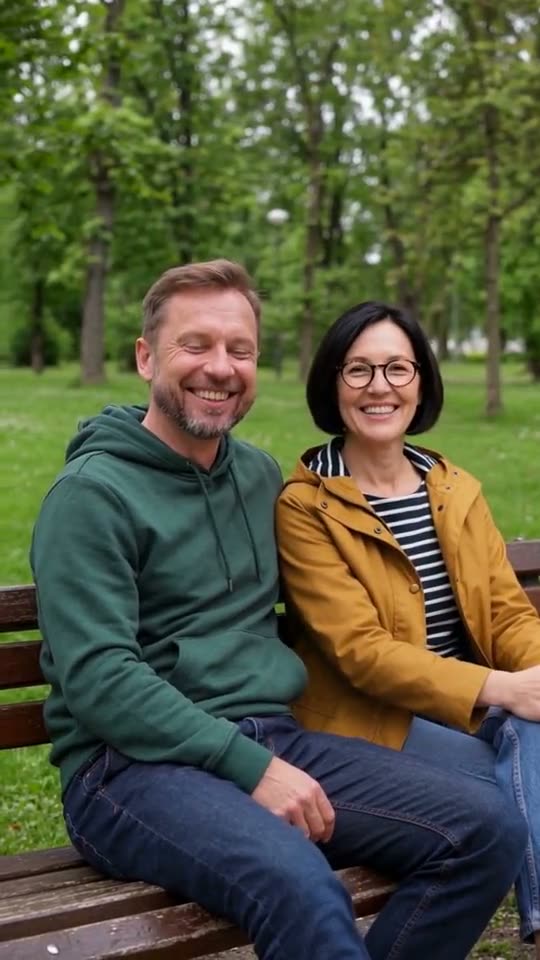
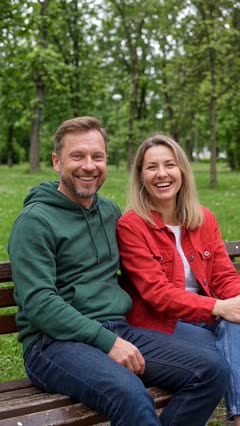 Clip
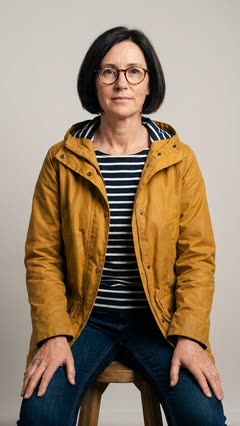 Photo
Swap one person, keep the other
Who to replace: "the woman on the right"Quality: Standard
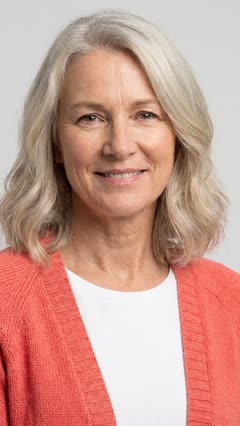
Upload a clip and one photo. Brilly puts that person into your clip, face, hair and outfit, and keeps the moves, the camera and the sound.
14 credits for a 5-second swap. A failed or refused edit costs nothing.
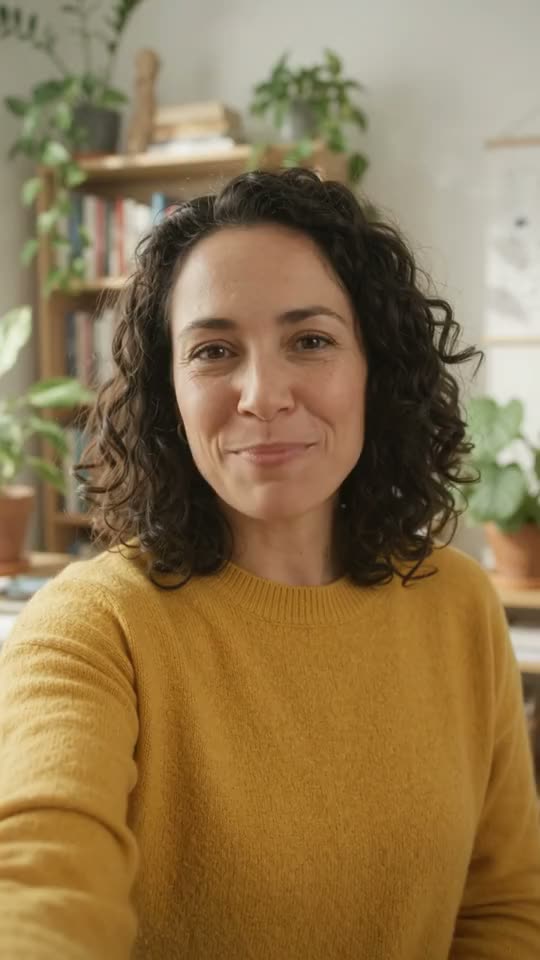
 Standard · 14 creditsDrag to compare
Three things to add, then one button. Most swaps are ready in two to three minutes.
A video of 4 seconds or more, MP4 or MOV, up to 100 MB. Brilly uses its first 10 seconds. A clip you made in Brilly works too.
A photo of the person you want in the clip: you, a colleague who said yes, or someone you made in Brilly. One person on a plain background works best. Their face, hair and outfit all come from it.
With more than one person in the clip, say who to replace, like "the woman on the right". Pick Standard or Best and press Make the edit.
5 s · Sound onA photo of a person, a pet or a mascot.Optional. It helps the swap look right.
Leave it empty to replace the most prominent person.
A failed or refused edit costs nothing.
Each swap came from a single photo. The face, the hair and the outfit change; the moves, the camera and the sound stay. Every example says what was picked and what it cost.
AfterAI-generatedClipPhotoWho to replace: "the woman on the right"Quality: Standard
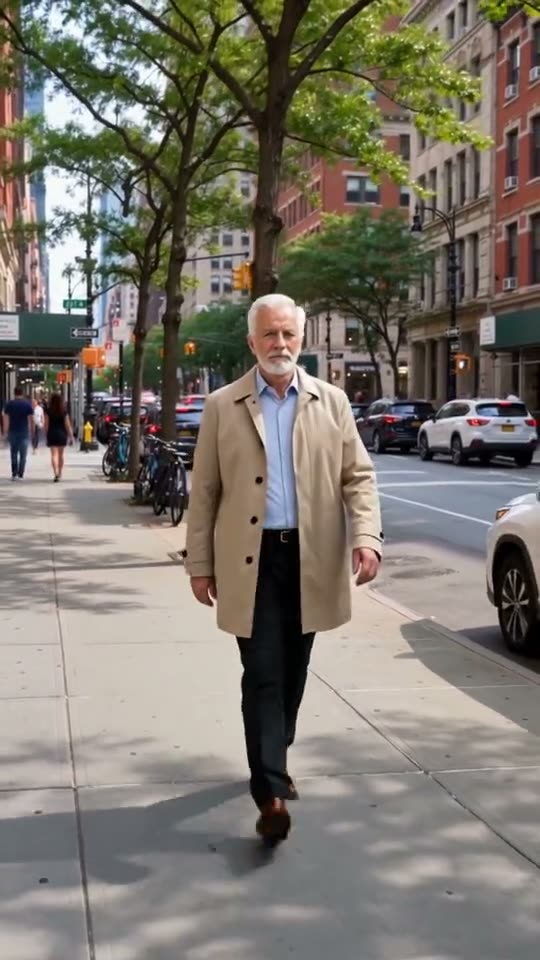 AfterAI-generated
 Clip
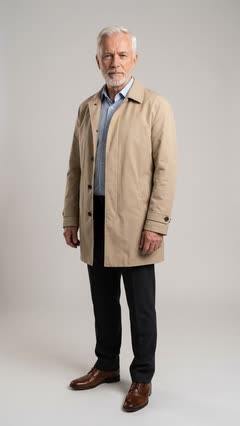 Photo
What's in the picture: PersonQuality: Standard
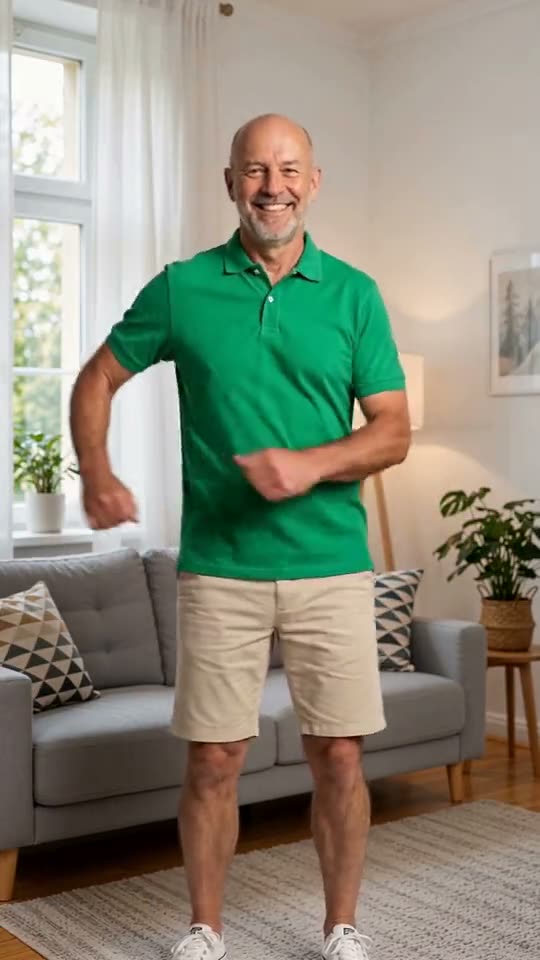 AfterAI-generated
 Clip
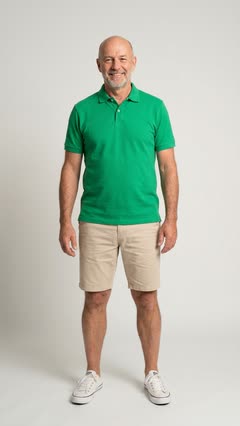 Photo
What's in the picture: PersonQuality: Best
The face, the hair and the outfit all come from your photo, so the person in your clip looks like one person.
The motion, the timing and the framing all come from your clip. Only the person changes.
The voice, the music and the room are your clip's own. Best puts the original track back after the swap.
A failed or refused edit costs nothing, and so does one that comes back unchanged.
Keep the shot that works. Change who's in it.
Take a clip you made or bought, add your photo, and you're the one presenting it. No filming day.
Run the script that already sells with a presenter your customers see themselves in, one take per audience.
Put a colleague who said yes into the welcome clip or the explainer, from one photo.
Connect Brilly to your AI assistant once. Then drop the clip and the picture into your chat and say what you want. It runs the swap and shows you the result, paid from your plan's credits.
How to connectBrillyupload_clipthe walking videodoneBrillyupload_referenceyour photodoneBrillyswap_characterPerson · Standard · 14 creditsdoneBrillyget_jobmaking the swapreadyAI-generatedHere's the walk with you in it: the same street, the same moves. It's also in My creations on Brilly.| Quality | 5 seconds | 10 seconds |
|---|---|---|
| StandardThe lowest price | 14 credits | 28 credits |
| BestThe most faithful; may reframe the shot | 19 credits | 38 credits |
Credits follow your clip's length, from 4 to 10 seconds. A longer clip uses its first 10 seconds. A failed, refused or unchanged edit costs nothing.
No, the whole person. The face, the hair and the outfit come from your photo; the moves, the camera and the sound come from your clip.
Yes. Add a clear photo of yourself, ideally on a plain background, and say who to replace if there's more than one person in the clip. Brilly puts you in their place, moves and all.
Yes, if you have the right to use their likeness: yourself, a colleague who agreed, a model you hired. That's your responsibility. Brilly never makes sexual content of real people, and refuses clips with real-looking children in them. See our AI use rules.
It's AI-made video of a person, so treat it with care: use only faces you have the right to use, and never to mislead anyone. Brilly never makes sexual content of real people, and refuses clips with real-looking children in them.
At least 4 seconds. Brilly uses the first 10 seconds of a longer clip. MP4 or MOV, up to 100 MB, up to 4K and 60 frames a second.
Yes. The voice, music and background sound are your clip's own. Best puts the original track back after the swap. A silent clip stays silent.
Yes, with the same tool: say what's in the picture, and pets and cartoons get Best, which handles them better. See Character swap.
A failed or refused edit costs nothing, and so does one that comes back unchanged. If you don't like a result, try a clearer picture, Best, or a more exact "Who to replace", and make another take. Each take is charged.